
Global Services
Global Services
With RestockMe, you can set-up and start using the app in as little as 30 minutes.
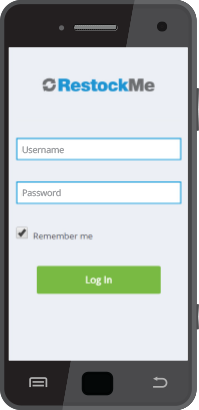
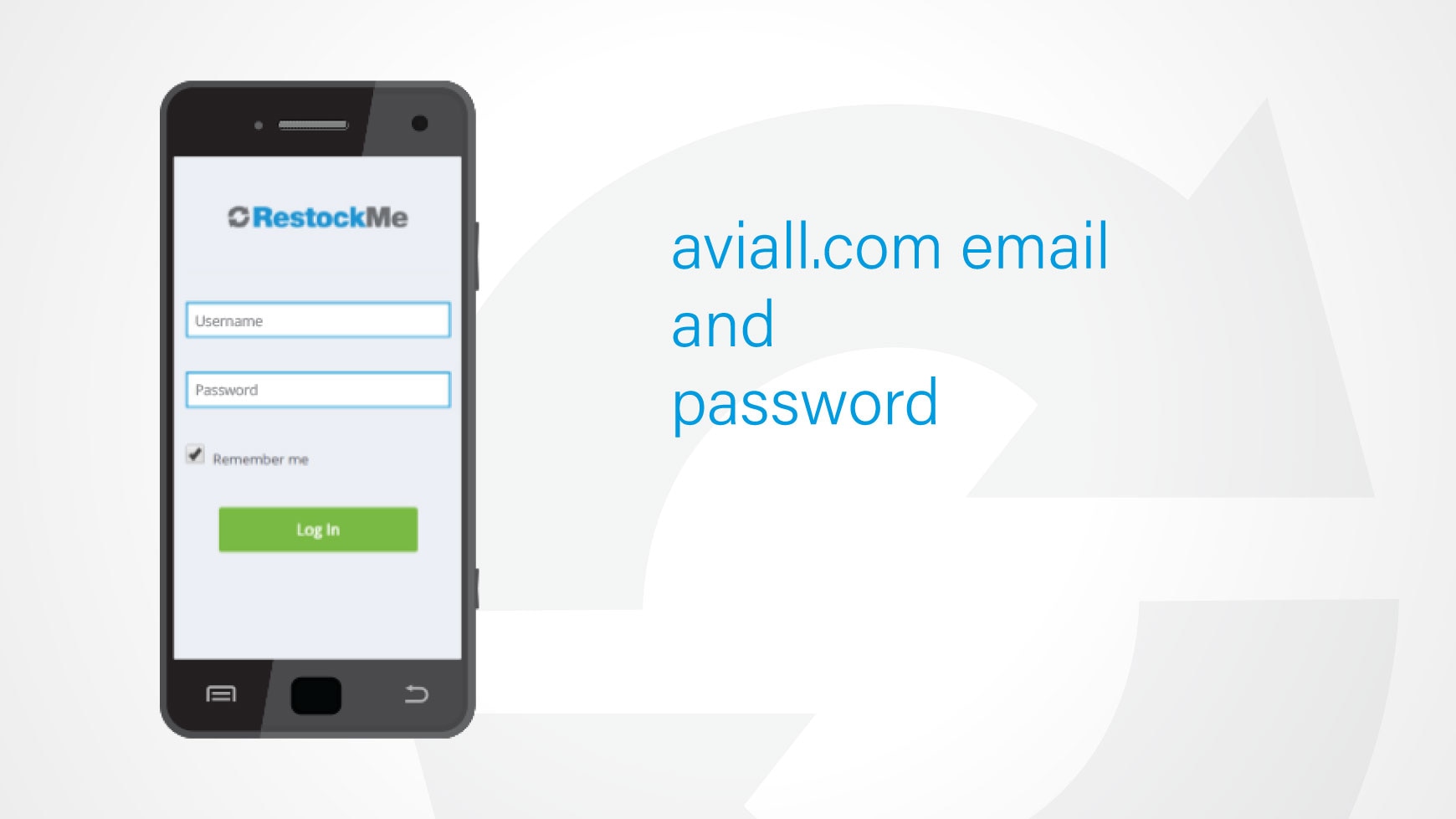
RestockMe is fast and easy to set up. Just ensure you have a Boeing (formerly Aviall) account and also have a current username and password. Log in and set-up a default "ship to" location. Go to the RestockMe website, restockme.shop.boeing.com, and load the part numbers, then print your barcode labels.
Use your smartphone or tablet to download the app from the Apple App Store or Google Play Store.
Open the RestockMe app and start placing orders in as little as ten seconds.



RestockMe offers customers access to Boeing's more than 2,000,000 listed catalog items.

Customers can place an order using RestockMe in under 10 seconds.

Customers who have beta tested RestockMe have reported up to a 40% increase in efficiency.
Who can use RestockMe?
RestockMe is available to most Boeing customers. However, there are some aspects that need consideration, such as the Enterprise Resource Planning (ERP) system being used and certain internal processes and procedures that may be employed. Ask your sales representative for more information.
How long does it take to set up?
RestockMe can be set up in as little as 30 minutes. If you already have a Boeing (formerly Aviall) account, just go to restockme.aviall.com to load your part numbers and print the bin box code labels. For more information on how to get started, please view the product demonstration video or contact your local sales representative.
How many part numbers can I load in RestockMe?
You can load up to 2,000 individual part numbers in RestockMe.
How long does it take to place an order?
Once set up, customers can place an individual order in less than 10 seconds.
What areas of the world is RestockMe available?
RestockMe is available on six out of seven continents around the world. Please ask your local sales representative for more information, but there is a high likelihood it is available in your area.
Who do I contact if I need help setting up RestockMe?
Contact your local Boeing sales representative for help.
Does RestockMe provide access to all normal shipping methods?
Yes. RestockMe offers all the shipping options that are available through Boeing on Shop.Boeing.com and any of Boeing's Customer Service Centers.
Is there a fee to use the RestockMe application?
No. The RestockMe service and app are completely free of charge.
How is RestockMe helpful to my business?
RestockMe makes inventory replenishment fast and easy, which will increase ordering efficiency for your business. Plus, it has the ability to reduce spoilage of shelf life items, increase control of non-managed inventory, reduce inventory levels on fast-moving items and much more.