Boeing Instructor pilot: Why virtual practice is the future of training
Pilot shares why he thinks Boeing’s Virtual Airplane product builds more confident crews

Global Services
Pilot shares why he thinks Boeing’s Virtual Airplane product builds more confident crews

Author
James Scott, Head of Training
Industry
Aviation
Editor’s note: This article is written in first person by a guest author. James Scott is head of training for Boeing in Europe, Middle East and Africa. He has over 30 years of airline, commercial, and business aviation experience. He’s also a pilot and instructor with more than 7,500 flight hours and multiple Boeing and airplane type ratings.
When I first saw Virtual Airplane, it felt like an engineer handed me a fresh set of tools. I’ve always liked building and fixing things — whether that’s an aircraft system or a fencepost — and the right tools change what you can do. The whiteboard will always have its place, but Virtual Airplane makes that place far more powerful. It doesn’t replace the instructor; it amplifies them.
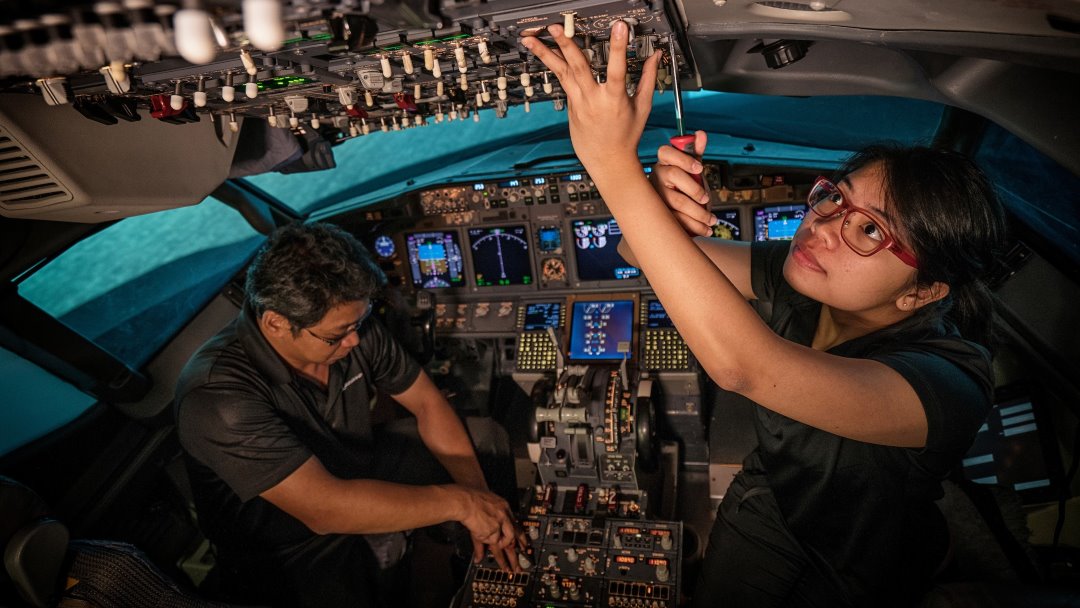
The Procedures Trainer is the first application in the Virtual Airplane product suite and allows pilots, instructors, and training teams to practice flight deck procedures at any point in time.
There’s something honest about a whiteboard briefing. It’s immediate, adaptive, and human. A skilled instructor can sketch a flight path, probe a trainee’s thinking, and build an understanding that links procedures to real outcomes. That back-and-forth — learning by explaining and doing — boosts retention in a way slides alone never will.
But traditional tools have limits. You can talk about a procedure at the board and even roleplay it, but you can’t let every student step into a flight deck every time you want them to practice. That gap is where Virtual Airplane Procedures Trainer shines.
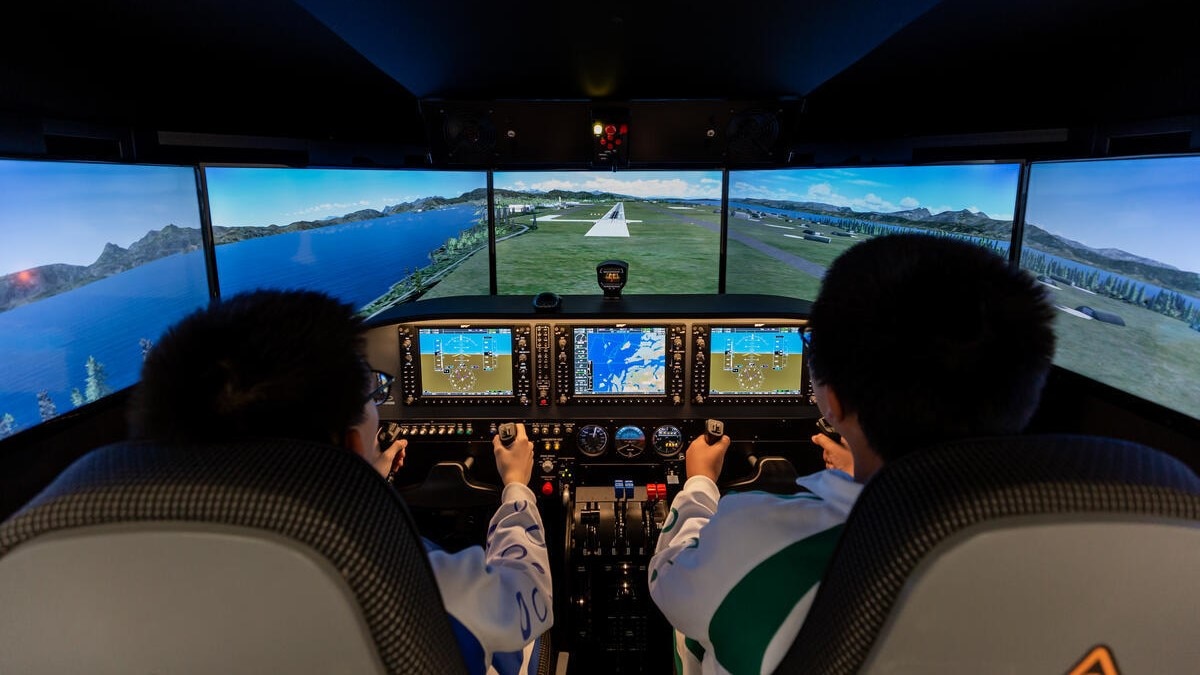
Visualization is used by many athletes and flight demonstration teams to prepare for peak moments; pilots can do the same. Mental rehearsal helps create the neural pathways that make action automatic under pressure. Combine that rehearsal with repeatable virtual practice, and you’re not just imagining the outcome — you’re rehearsing the actions that lead to it.
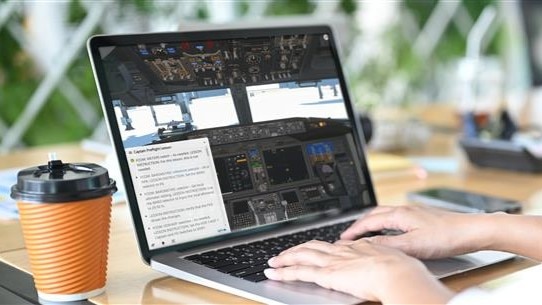
Virtual Airplane lets trainees rehearse in a high-fidelity virtual cockpit anytime: on a tablet between briefings, on a laptop between flights, or at home when schedules allow. This repetition drives fluency so that when students arrive for simulator time, they’re practicing strategy and crew coordination instead of developing basic steps. That’s more efficient training, and produces safer, more confident crews.
Beyond convenience, Virtual Airplane reduces cognitive load and frees mental capacity. Learning a new aircraft involves absorbing lots of information, building knowledge, and mastering new skills in limited time. By providing trainees the opportunity to rehearse in a low-pressure setting, rerun previous scenarios, and prepare for upcoming events, Virtual Airplane lets them consolidate learning at their own pace.
In short, it’s powerful both inside and outside traditional flight training — safe, repeatable practice that reinforces understanding and builds fluency.
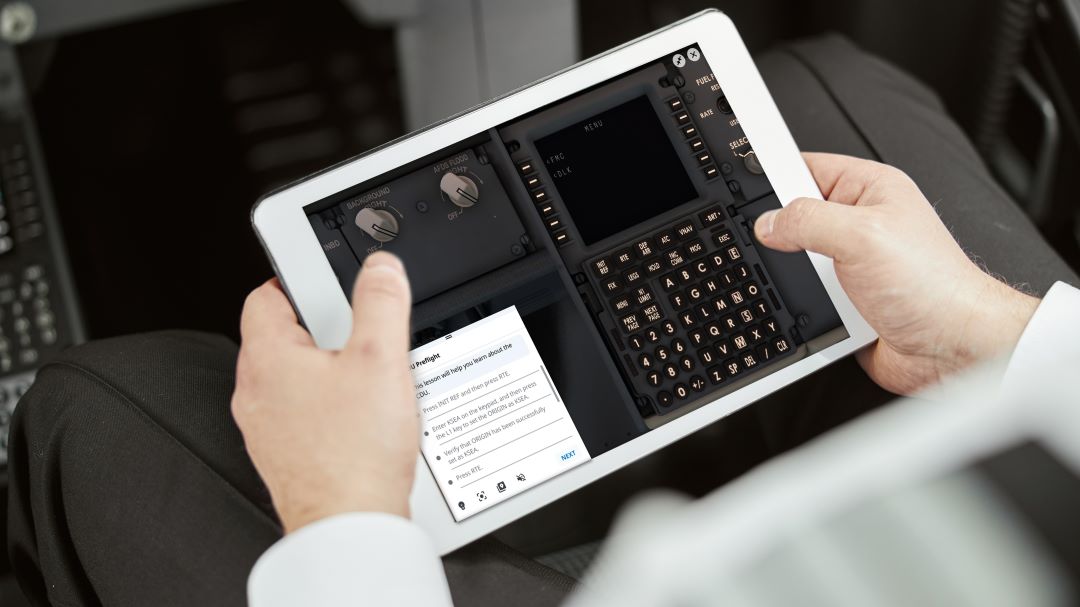
The capabilities of Virtual Airplane Procedures Trainer stand out with its realism:
To put it simply: Virtual Airplane extends what instructors can do. It hands trainees more purposeful practice and gives instructors better use of simulator time.
Real gains, not buzzwords
This isn’t technology for technology’s sake. The value is practical. Trainees who have practiced procedures virtually come into simulator sessions with muscle memory and decision patterns already formed. Instructors can then focus on complex skills — crew resource management, judgment calls, and different scenarios — so simulator hours become far more productive.
I had the opportunity to get an early demo and I watched a trainee run through a nonnormal scenario in the virtual cockpit. They then stepped to the whiteboard and mapped out the decision logic. The contrast was striking: The student’s explanations were grounded in actions they had just taken, not vague recollection. That’s the payoff — real experience, repeated affordably and safely.
A tool that honors the craft of instruction
There’s an understandable fear that technology will make instruction impersonal. Virtual Airplane proves the opposite. It respects the craft of teaching by making the instructor’s time richer and more focused. Whiteboard briefings remain the place to think and co-construct knowledge. Virtual practice becomes the place to conduct the repeated drills and tasks to build automaticity.
If there’s one practical takeaway for instructors, it’s this: Keep the tools that work and add the ones that free you to teach at a higher level. Try pairing a short mental rehearsal or whiteboard briefing with a virtual practice session. You’ll find trainees arrive at the simulator more prepared and leave more confident.
I’m proud that this tool is ours — built to help trainees learn faster, practice more, and gain the confidence they need. We should be excited: The whiteboard still teaches the thinking, and Virtual Airplane lets our people do the doing, more often and more effectively.